Using the Planner to check holiday against your rota

Modified on Fri, 19 Dec, 2025 at 2:30 PM


A screenshot of a computer

Description automatically generated

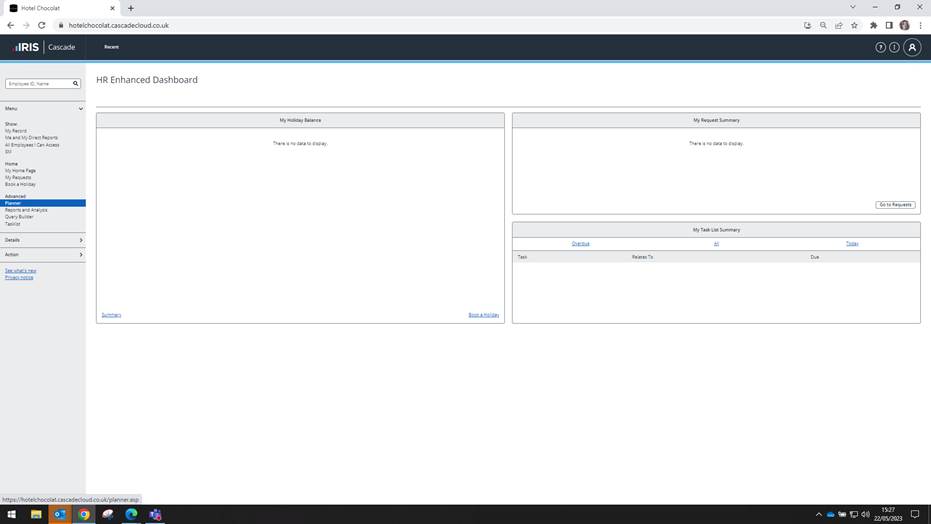
Click on Planner on the left hand side

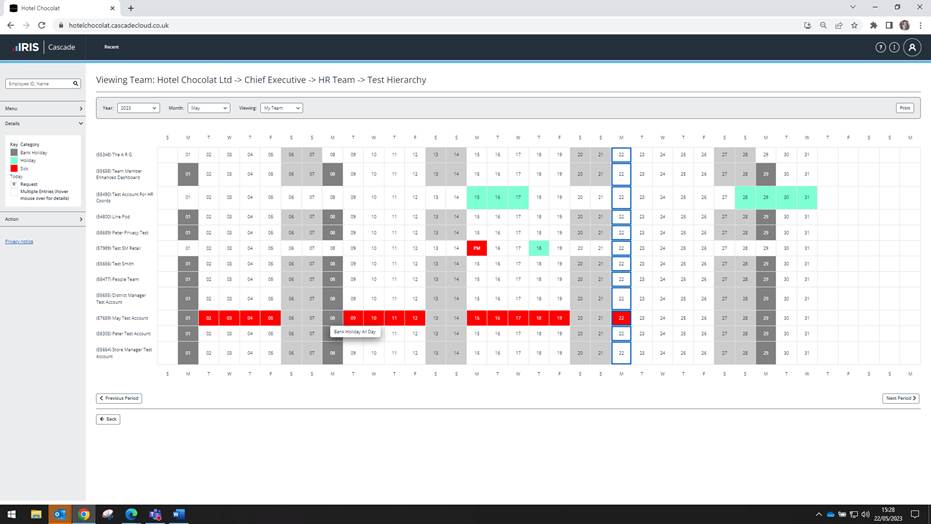
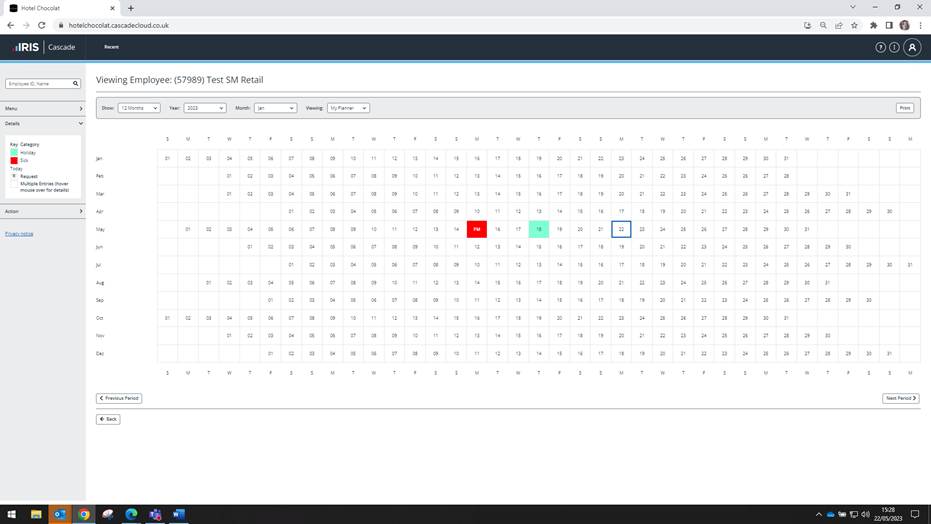
Under Viewing drop down change from My Planner to My Team
A screenshot of a computer

Description automatically generated

A screenshot of a computer

Description automatically generated with medium confidence

You can then change the year and month if you want to look at different weeks

Was this article helpful?

That’s Great!

Thank you for your feedback

Sorry! We couldn't be helpful

Thank you for your feedback

Let us know how can we improve this article!

Select at least one of the reasons
CAPTCHA verification is required.

Feedback sent

We appreciate your effort and will try to fix the article